

Home page updates
Home page updates
The Agent Studio homepage now loads faster and presents key metrics more cleanly. The displayed metrics can be customized to meet the needs of a particular project, so what you see will be unique to your deployment.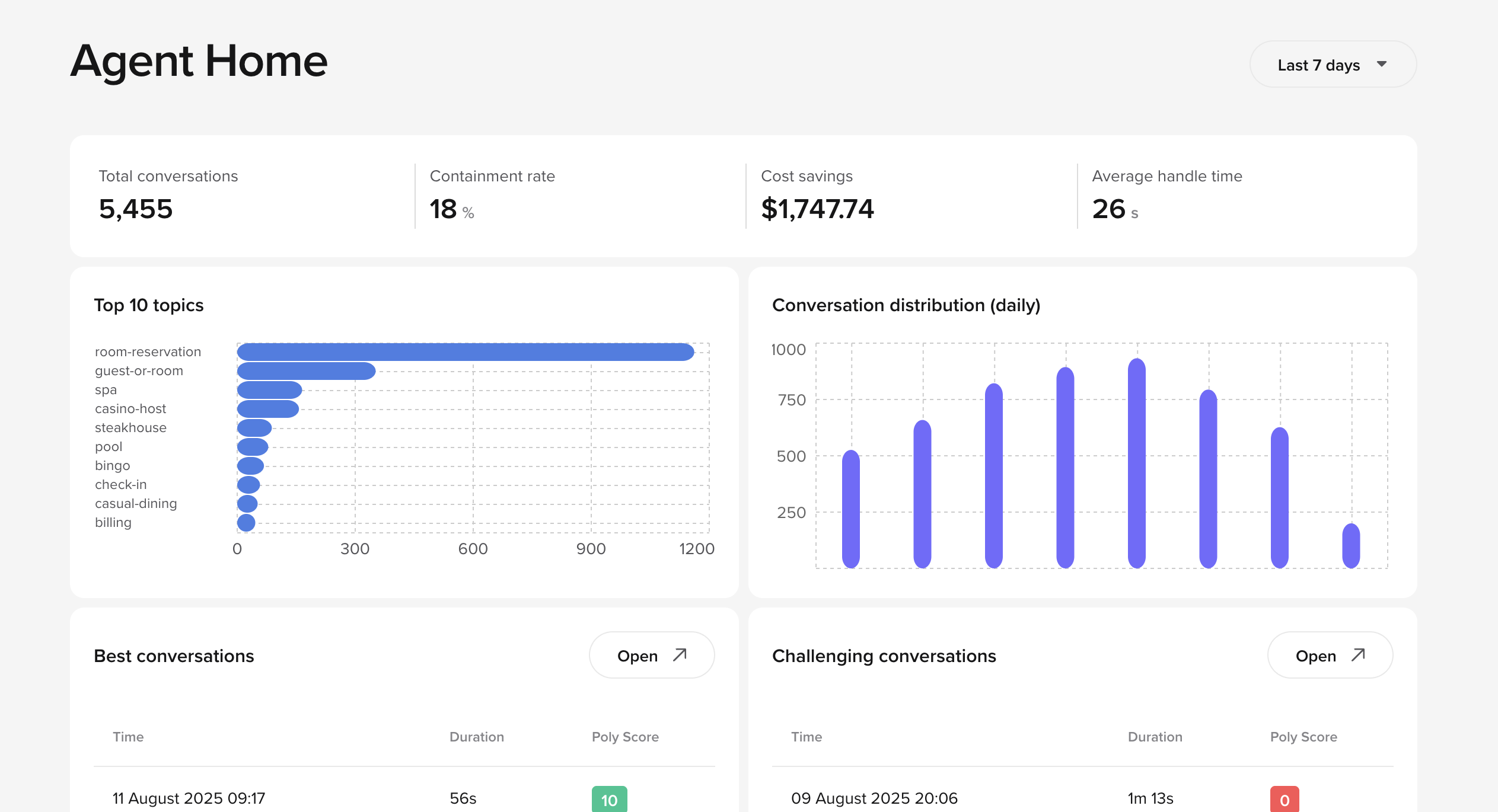
- Reduced page load time
- Improved widget layout for better readability
- More consistent alignment across metric cards and charts
AI call summaries
AI call summaries
Agent Studio now displays an AI-generated summary at the top of the Conversation Review screen.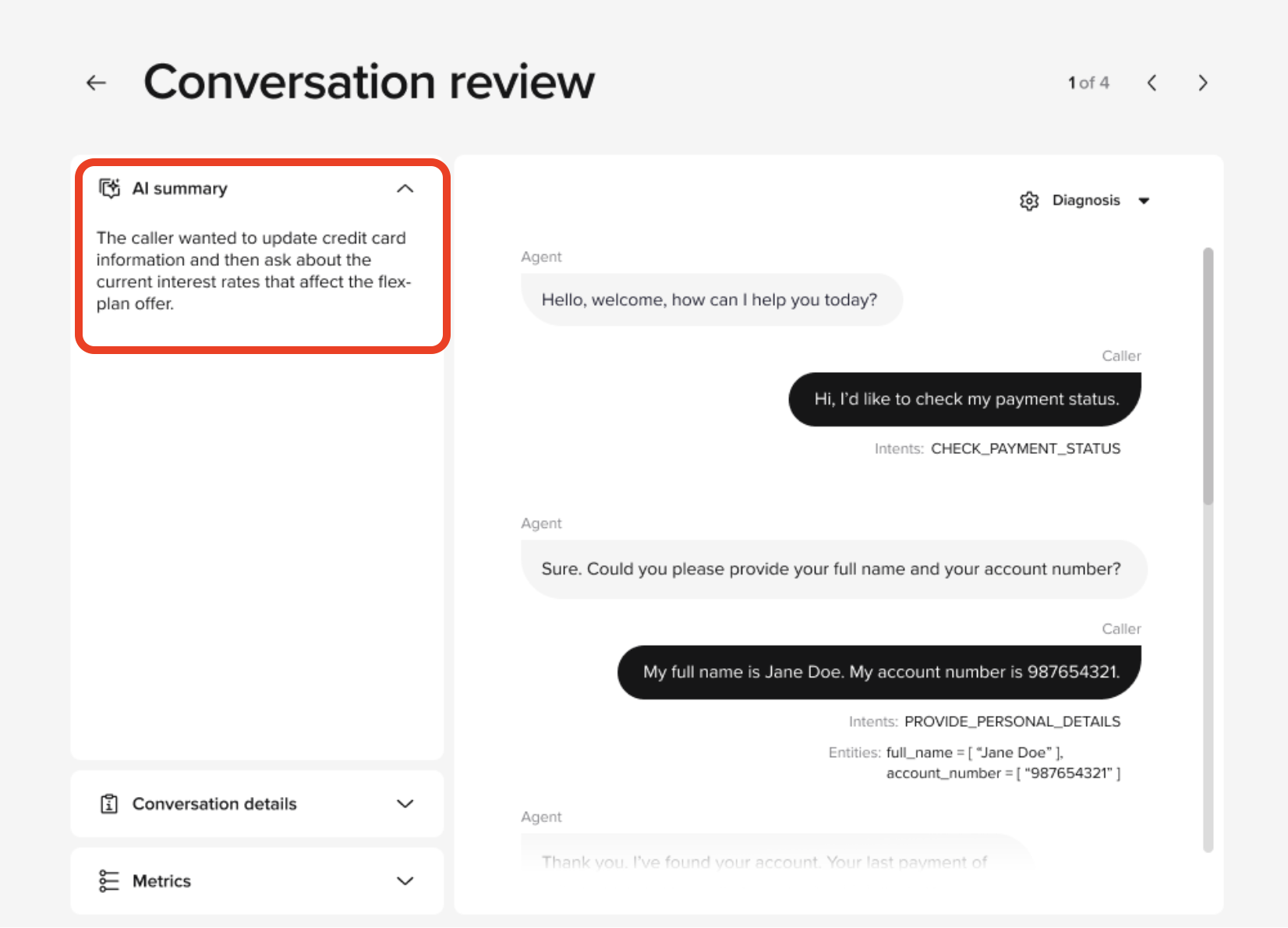
- New AI Summary module in the Conversation Review screen
- Generated post‑call using GPT summarization logic
Multi-voice limit increase
Multi-voice limit increase
Projects can now have up to 10 active voices, updated from the previous limit of 5 voices.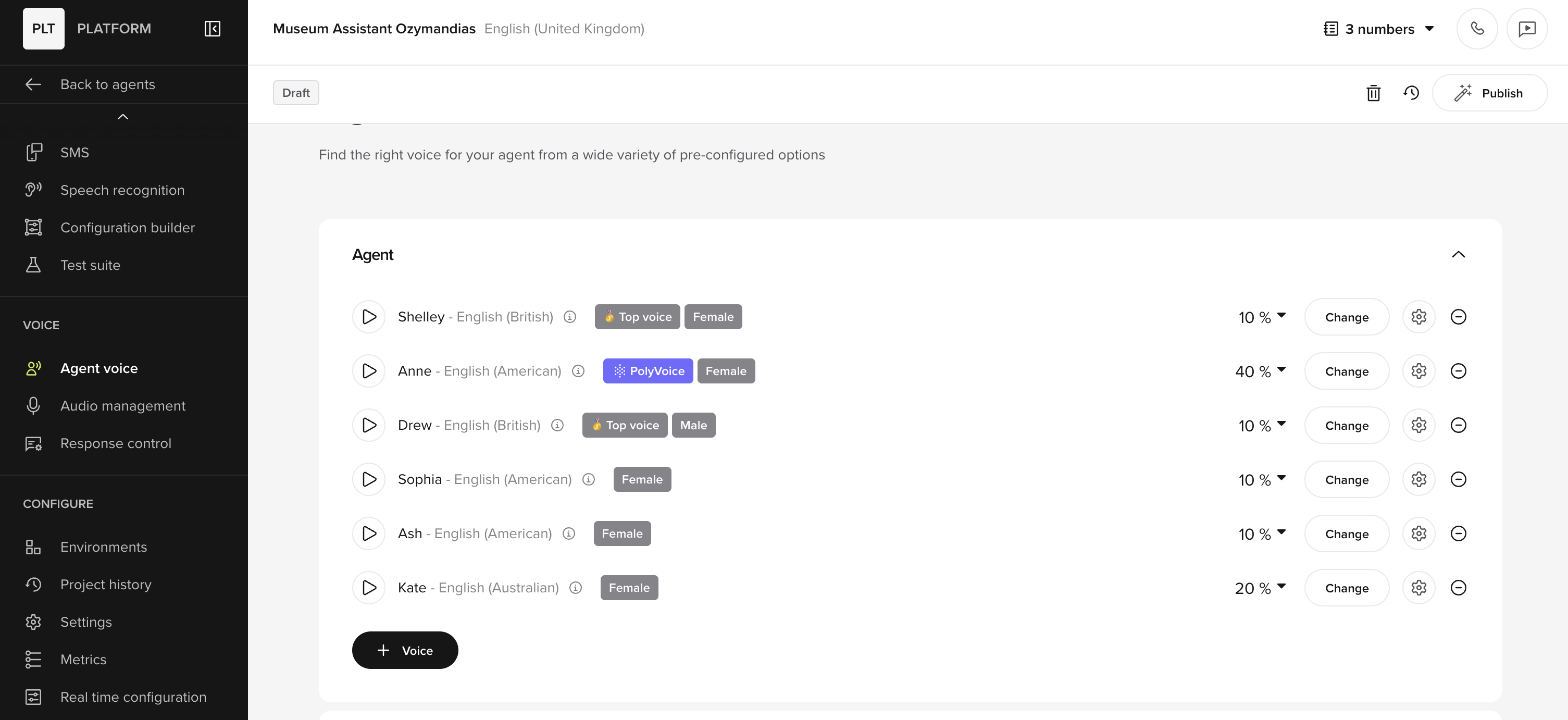
New call review filters
New call review filters
It is now much easier to filter calls in Conversation Review by delivery status, channel, and other metadata.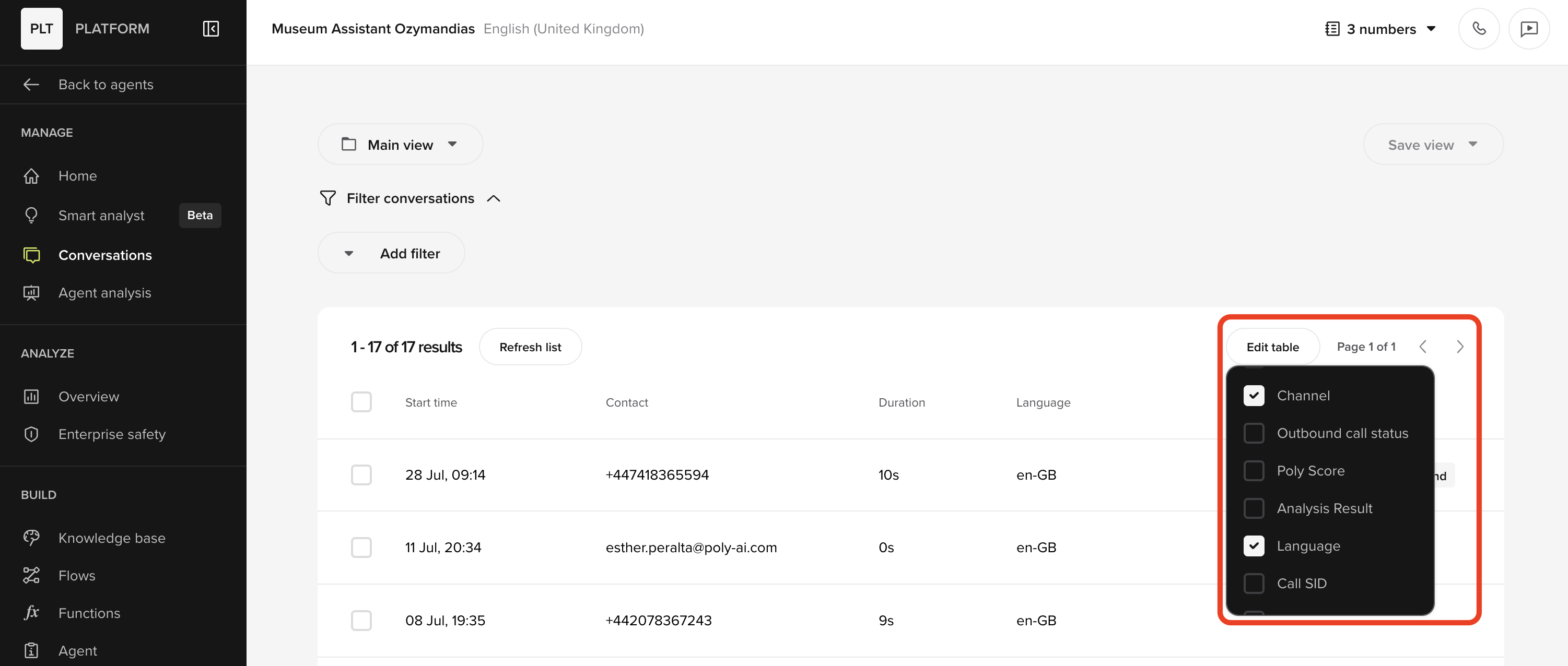
- Faster filter response time
- Filter combinations can be applied without resetting the view
Updated channel display
Updated channel display
Conversation Review now displays additional call attributes and improved channel labels for quicker scanning.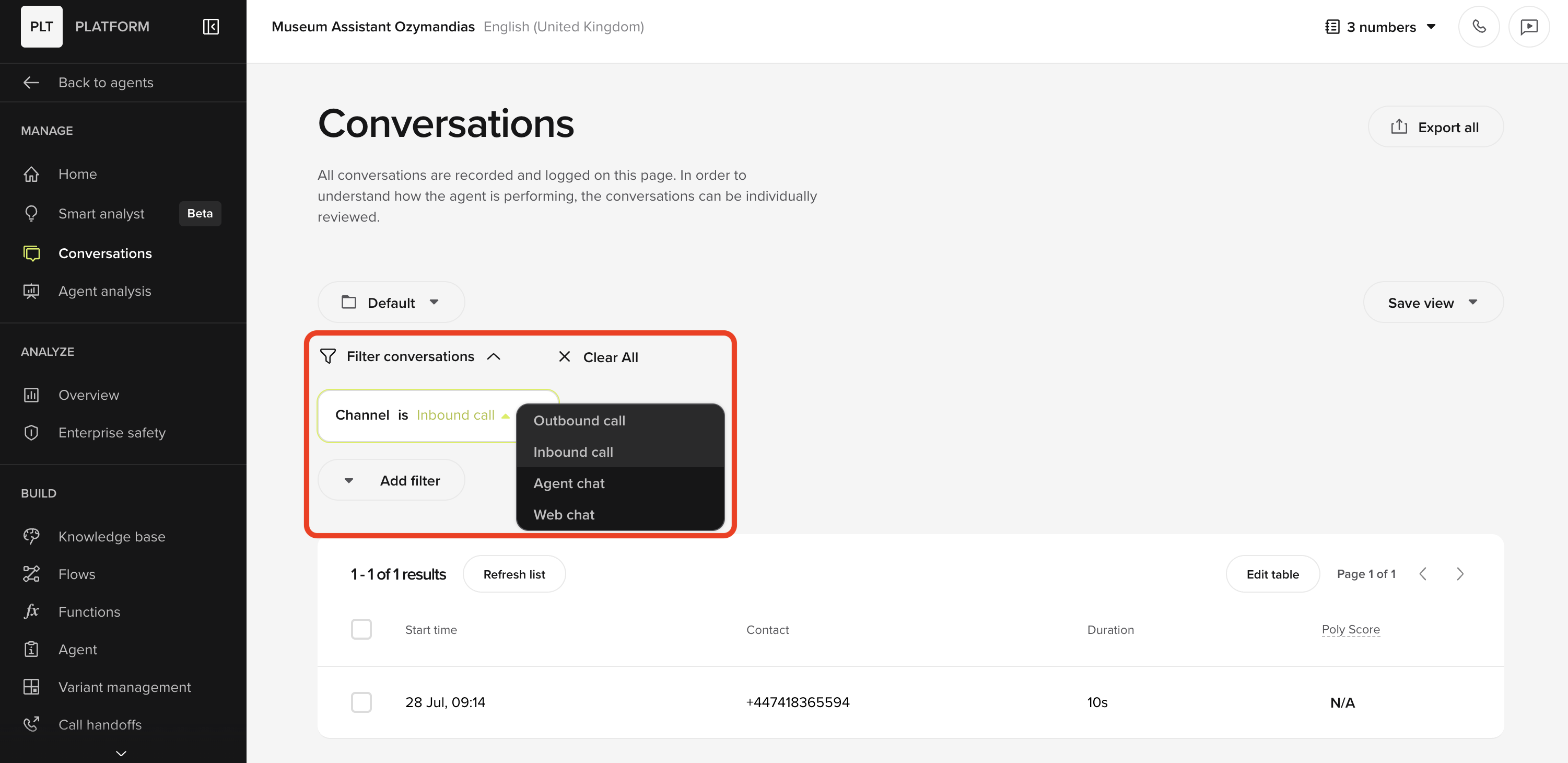
- Clearer channel tags for Inbound, Outbound, and Agent Chat
- Additional metadata columns available for custom table views
- Streamlined column naming for consistency across the platform
GPT‑5 models in Agent Studio (experimental)
GPT‑5 models in Agent Studio (experimental)
We’ve added GPT‑5 options to Agent Studio for evaluation and feedback.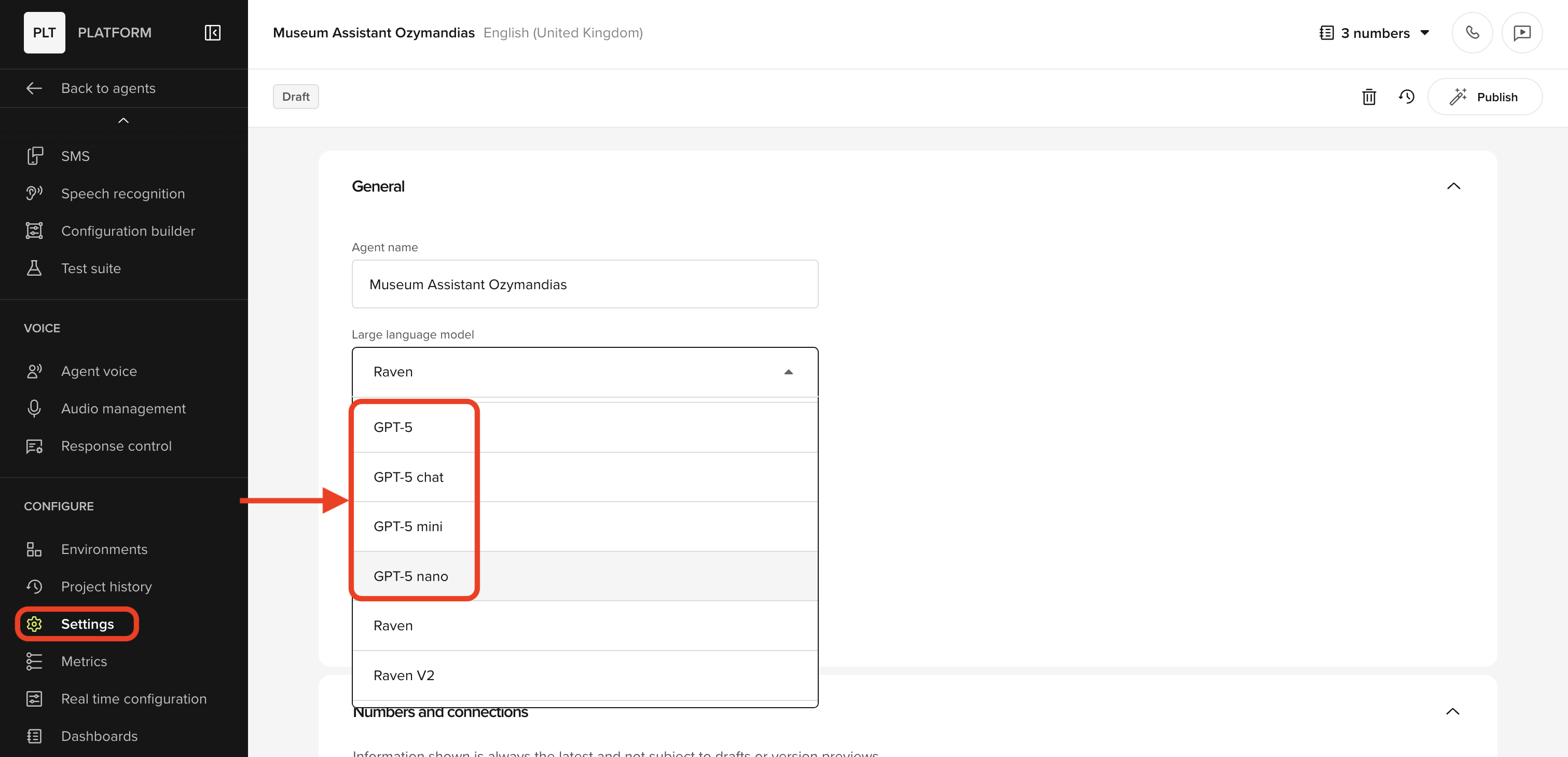
- GPT‑5 nano and GPT‑5 mini: Recommended for most Agent Studio use cases (best balance of quality/latency)
- GPT‑5 (large): Included for testing; note it’s currently slow at 3–4 seconds or more.
- GPT‑5 chat (router): Routes dynamically across the above models so you can experiment quickly.
In-app calling with variants
In-app calling with variants
You can now test calls using a selected variant directly in the Test panel.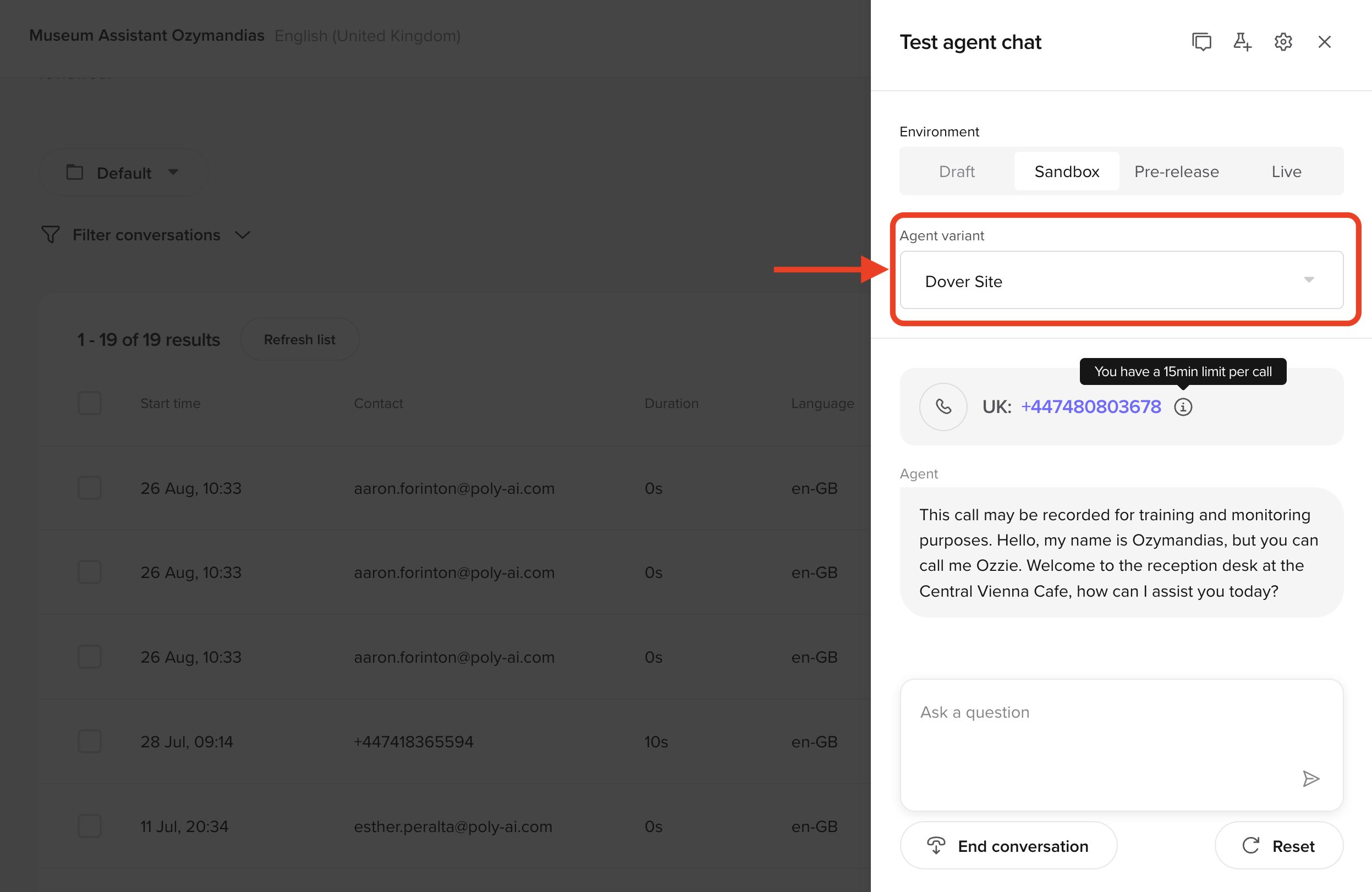
- Variant dropdown + search in Test ▸ Call
- Calls launched with the chosen variant’s config
- Transcripts tagged with
variant_idfor review and filtering
Smart Analyst improvements
Smart Analyst improvements
It’s now easier to jump from answers to exact conversations. New and more complex SQL data enquires have also been added to the Analyst.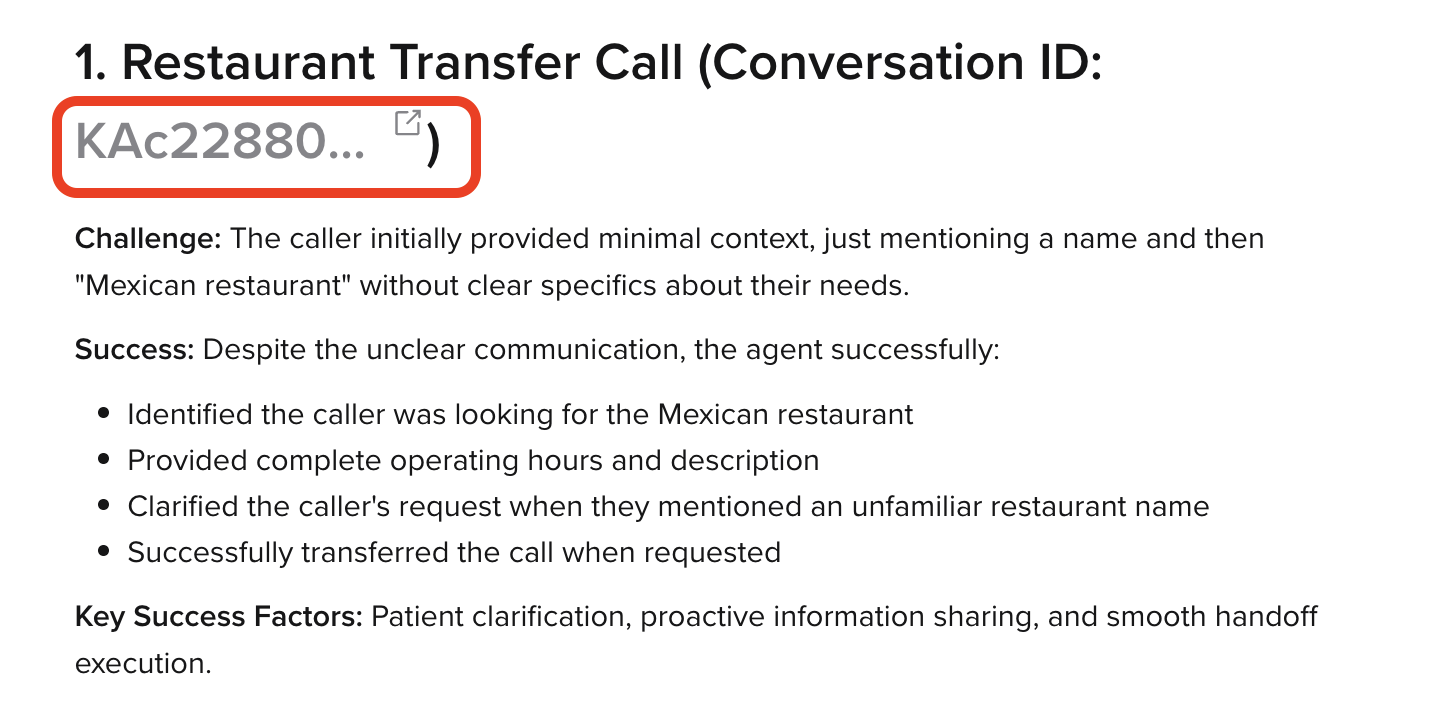
- Clickable Call IDs: Any Call ID in a Smart Analyst answer opens that call’s Conversation Review in a new tab.
- Expanded SQL range: Queries can include additional tables, such as PolyScore and Custom Metrics.
Start/End function error warnings
Start/End function error warnings
If a Start or End function has an error that prevents execution, Agent Studio now shows a warning and guidance to fix it.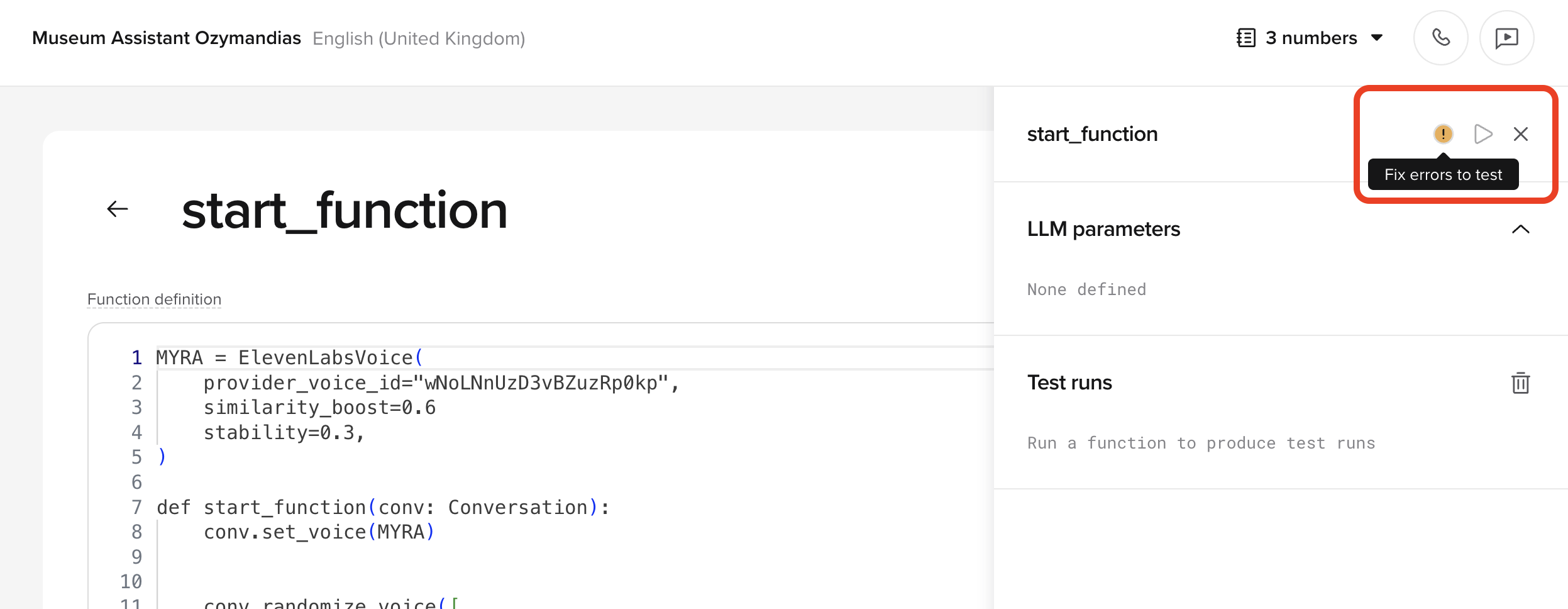
Agent Analysis – Multi-task
Agent Analysis – Multi-task
Agent Analysis now supports multiple analysis tasks per project.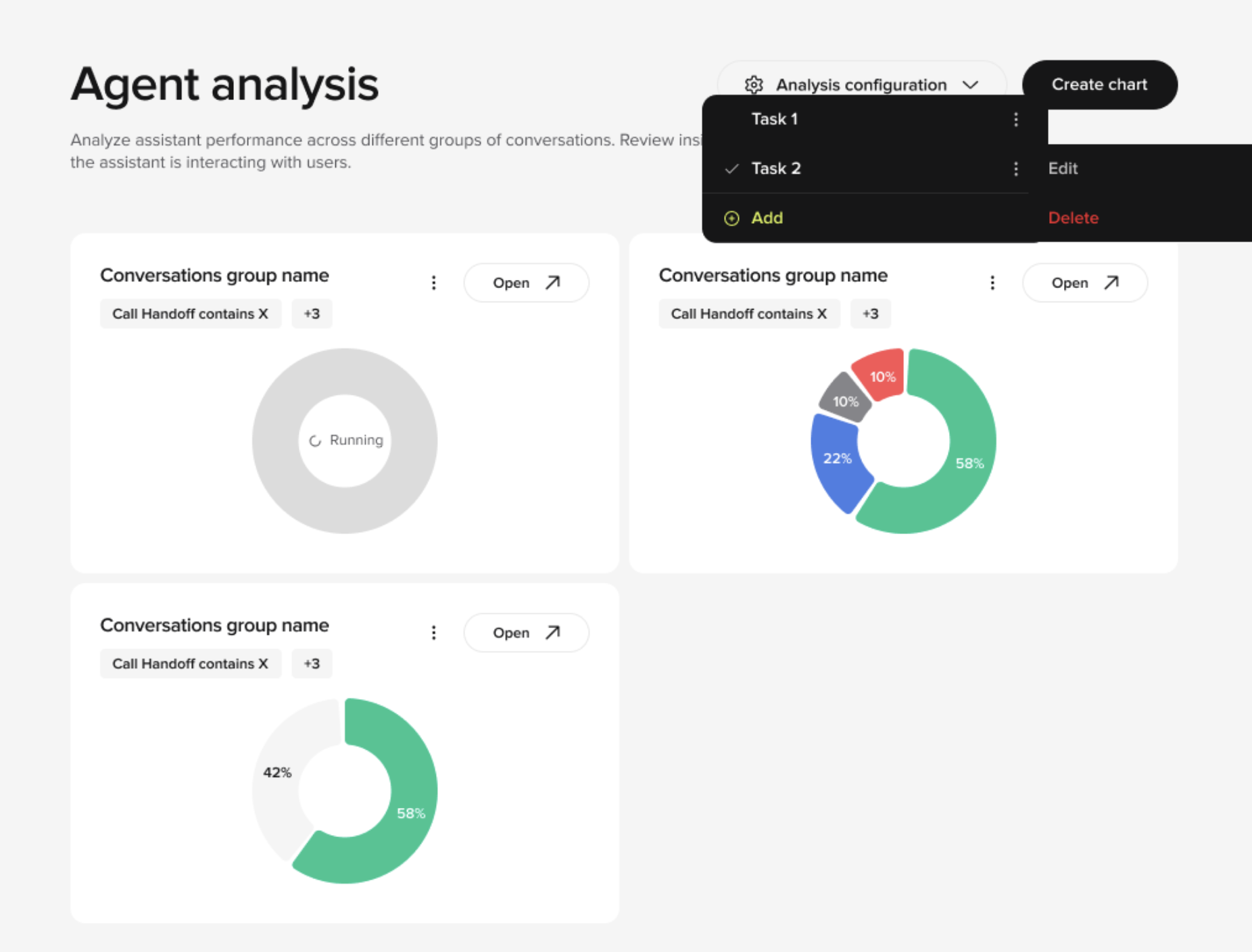
- Configure up to 10 analysis tasks per project. Each task can have its own prompt, categories, and color-coding.
- A redesigned chart creation flow with filters, random call selection, and manual call selection.
- A dedicated Batch UI Page where you can see task results, call breakdowns, filters, and categories in one view.
- The ability to click into a call to open Conversation Review, with categorizations still editable at the call level