

Multi-site config
Multi-site config
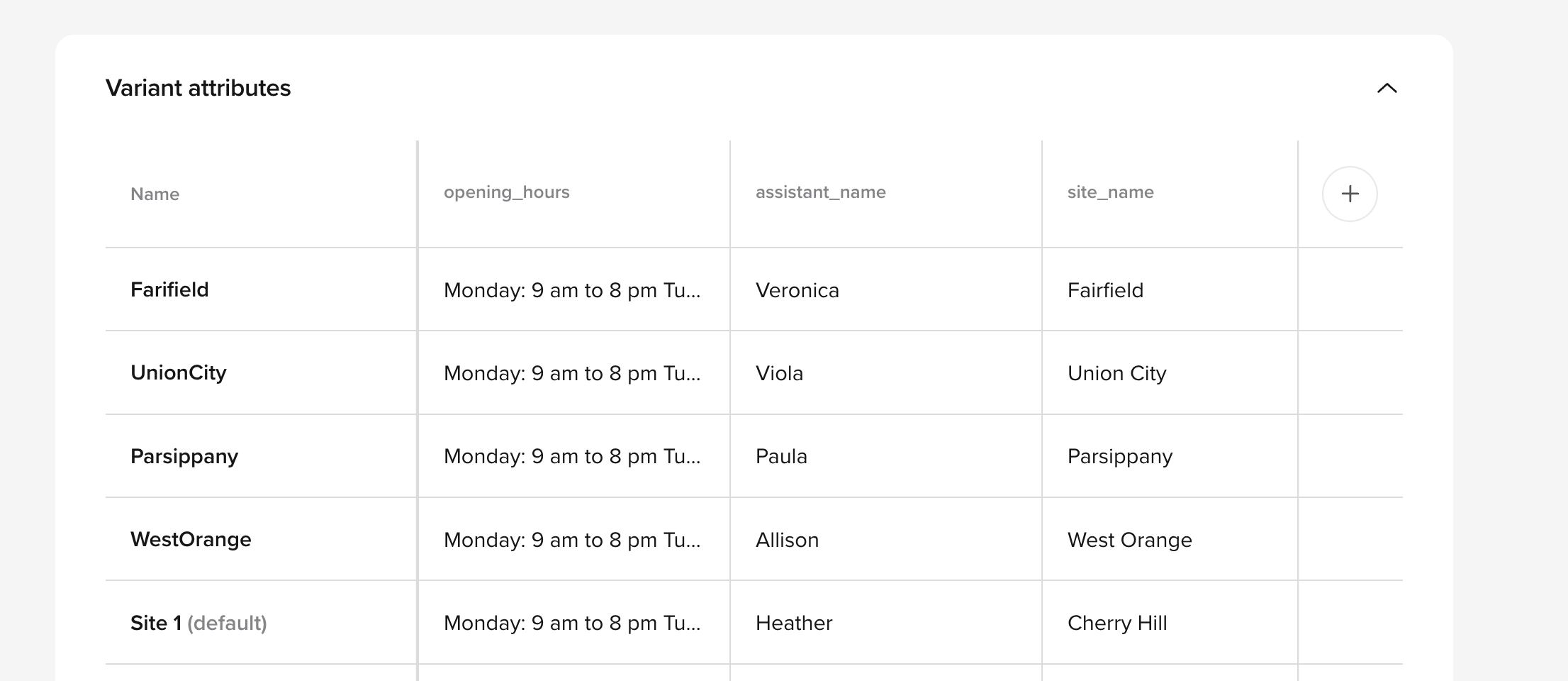
${variant_foo} format:Imagine you have an attributesite_number, your SMS content field would be:Please contact the office at ${variant_site_number}
ASR updates
ASR updates
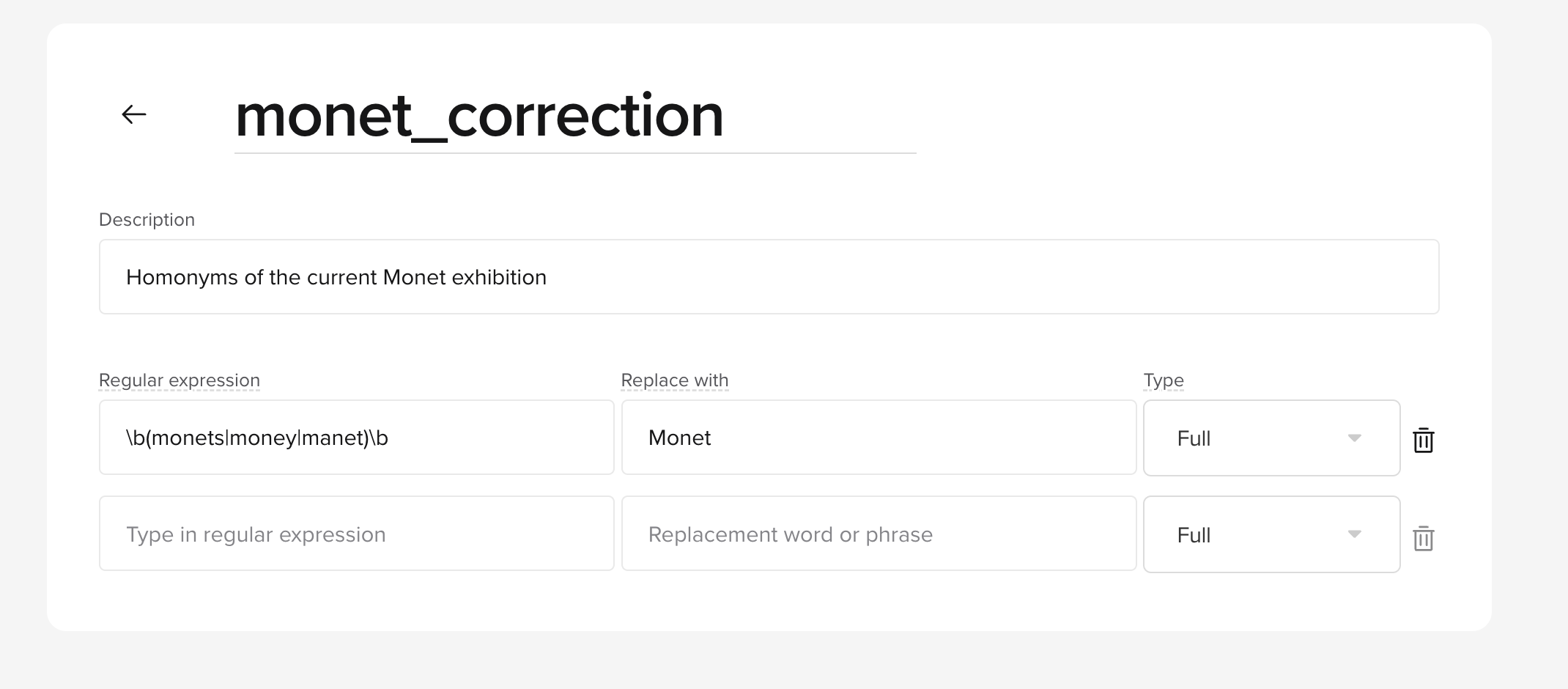
Use transcript corrections to aid agents in recognizing domain-specific terms, and avoid issues with homonyms like:
- “I see you” for a hospital’s ICU.
-
“Money” for an art museum dealing with works by Monet.
Customize latency response delay
Customize latency response delay
Control latency to alter the agent’s conversational tone to match audience preferences.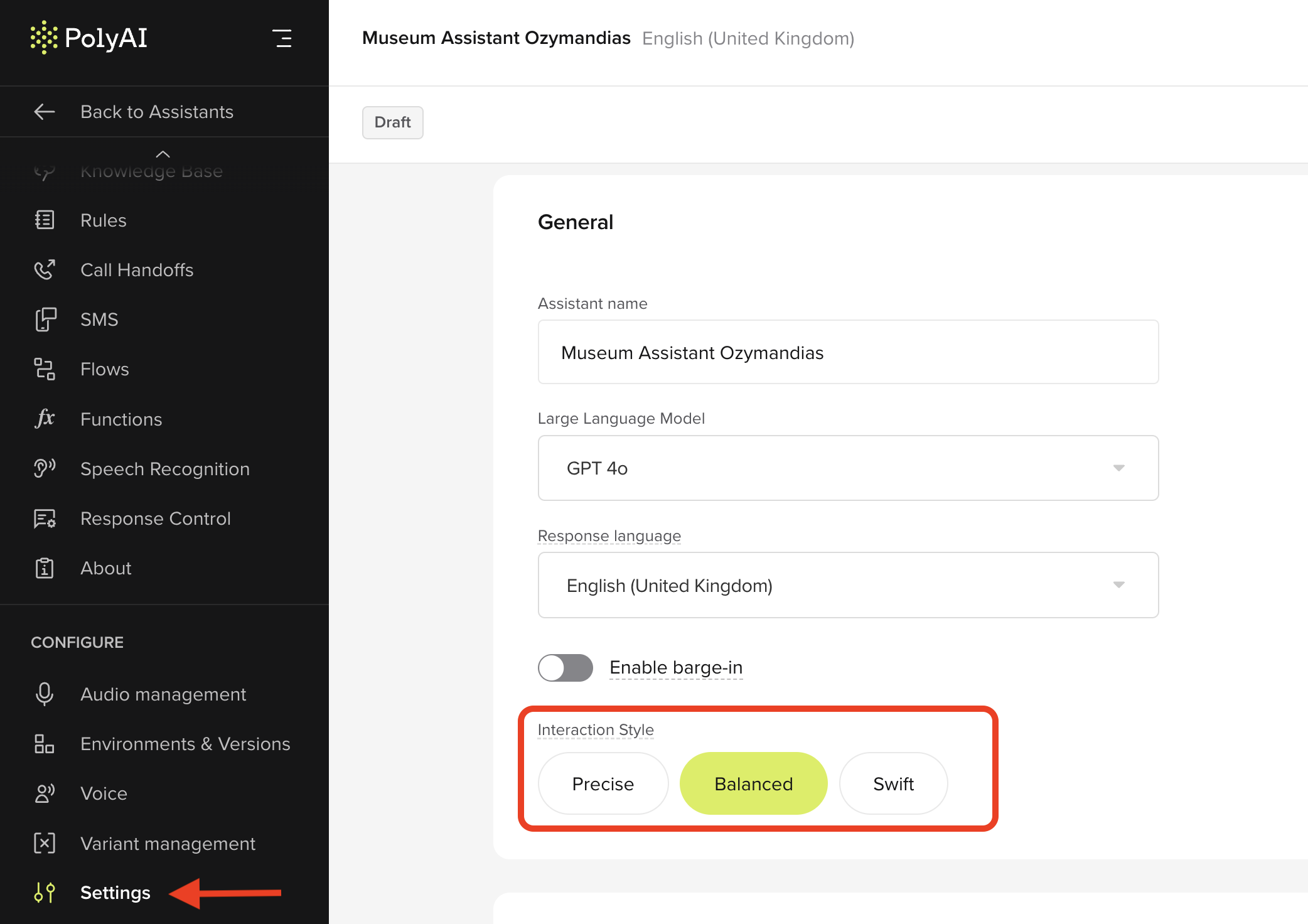
- Configure thoughtful delays to prevent interruptions.
- Set faster response times for rapid user queries.
- Go to “Settings”, then “Interaction Style”, and select the desired response delay time.
Copy and paste flows
Copy and paste flows
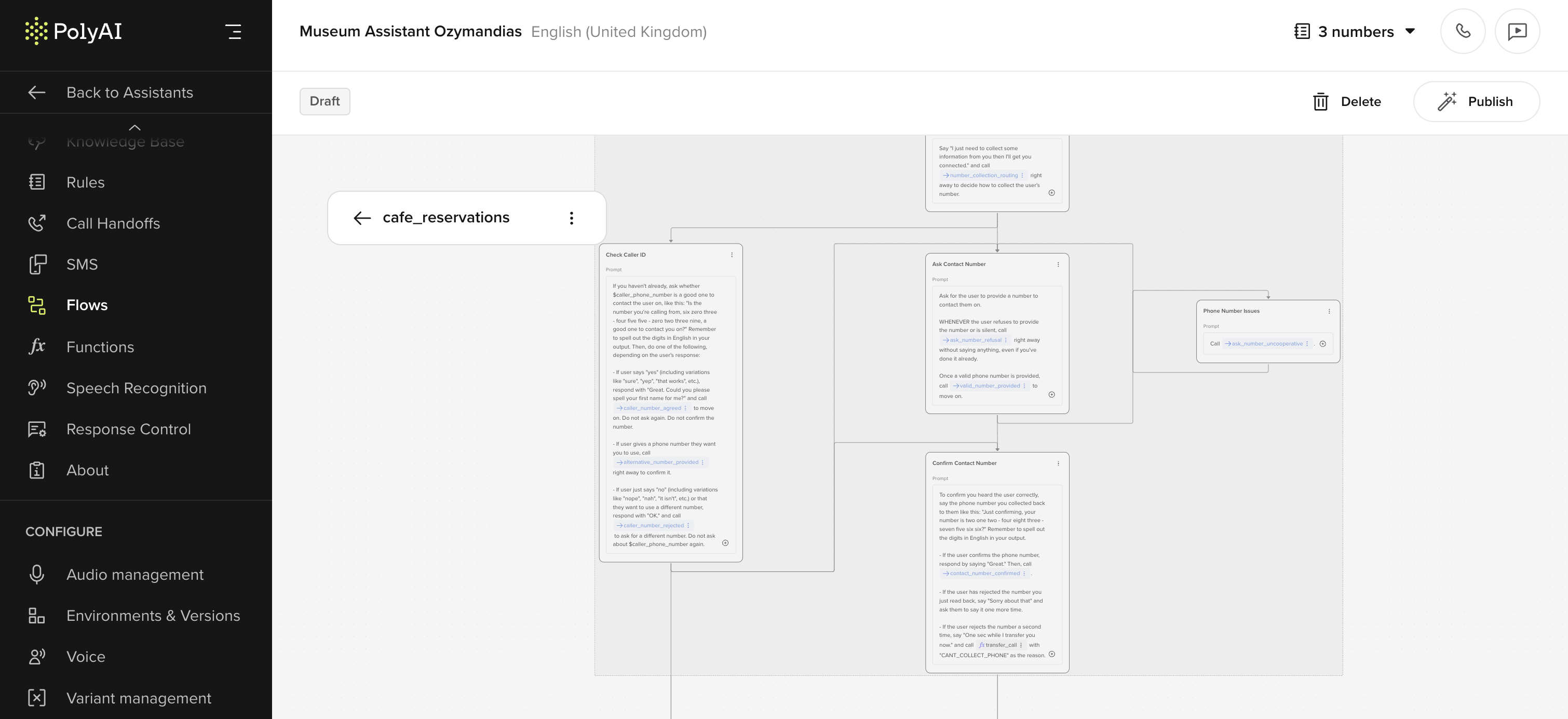
You can now copy and paste entire flows or specific nodes between projects, by using
Cmd/Ctrl + C to copy and Cmd/Ctrl + V to paste flows or nodes.Key features:- Copy entire flows or partial nodes within or across projects.
-
Import any subsidiary global or transition functions without overwriting existing templates.
Call recordings download
Call recordings download
Users can now download call recordings directly from the studio for offline review and analysis.How to use:
- Open the “Conversation” page.
- Click on the “Download” icon to save the call recordings locally.
You may not have permissions enabled by default. Speak to your PolyAI advisor or email support for more information on enabling permissions.